We’ve all had those moments in DevOps where we run a command with 100% confidence only to be humbled by a single line of text.
Today, mine was:
“`
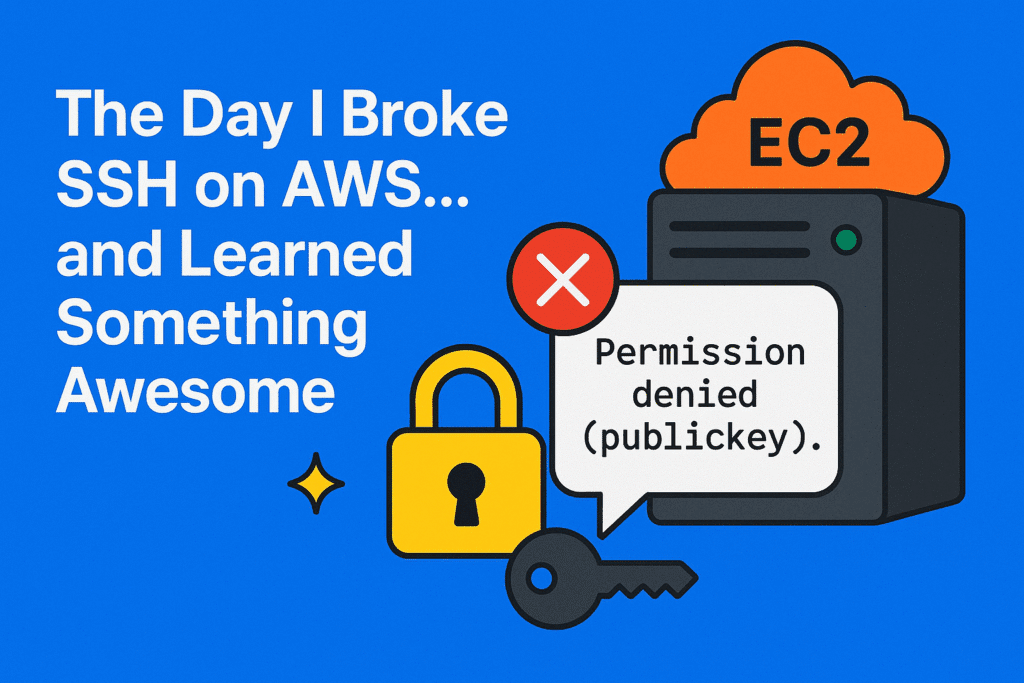
Permission denied (publickey).
“`
Yup. That was my “welcome to reality” message from AWS. 😅
I was setting up passwordless SSH between two EC2 instances and confidently ran:
“`
ssh-copy-id devops@<EC2-IP>
“`
And *boom* — rejected like a bad date. No handshake, no mercy.
—
## 🎯 The Plot Twist I Didn’t Expect
After diving deeper, I discovered something important:
### 👉 `ssh-copy-id` actually **requires password authentication**
And AWS EC2 instances **disable password-based SSH** by default for security.
So no matter:
– how many SSH keys I generated
– how perfectly I configured my local machine
– how politely I asked AWS to cooperate
…it **was never going to work** as long as password logins were off.
And in AWS?
They *should* be off — especially in production.
—
## 🔎 The Ah-Ha Moment
EC2 instances only accept **key-based authentication**, so `ssh-copy-id` is essentially useless unless you manually enable passwords (which is risky and unnecessary).
So I switched strategies:
### ✅ The Manual But Correct Way
1. **SSH into the target EC2** using the private key:
“`bash
ssh -i <key.pem> ec2-user@<EC2-IP>
“`
2. **Create the `.ssh` directory** if it didn’t exist:
“`bash
mkdir -p ~/.ssh
“`
3. **Fix permissions** (super important!):
“`bash
chmod 700 ~/.ssh
“`
4. **Add my public key to `authorized_keys`:**
“`bash
echo “<my-public-key>” >> ~/.ssh/authorized_keys
chmod 600 ~/.ssh/authorized_keys
“`
And just like that —
🔓 **passwordless SSH unlocked.**
—
# 💡 Lesson of the Day
Sometimes DevOps isn’t about running the *right* command…
It’s about understanding **why the wrong one fails**.
That’s what levels you up.
What looked like a simple SSH problem turned into a great lesson about:
– AWS security defaults
– How SSH authentication actually works
– Why `ssh-copy-id` behaves the way it does
– Real-world troubleshooting mindset
—
# 🛡 Extra Safety Points (Best Practices You Should Remember)
Here are additional security and operational tips when working with SSH on AWS:
### 🔐 1. Never enable password authentication on production EC2
It’s one config change away from a brute-force attack.
### 🔑 2. Use separate SSH keys per environment
Don’t reuse keys across dev → staging → prod.
### 👤 3. Rotate SSH keys periodically
Good key hygiene is essential.
### 🧹 4. Remove `authorized_keys` entries when off-boarding users
Leaving old keys creates hidden vulnerabilities.
### 🚫 5. Don’t use `root` for SSH
Use default users (`ec2-user`, `ubuntu`, `admin`) and escalate only when necessary.
### 📦 6. Prefer AWS SSM Session Manager
No SSH keys. No open ports. Zero-infrastructure access.
### 🔥 7. Restrict SSH access using Security Groups
Allow only specific IPs — never open port 22 to the world.
### 🛠 8. Automate SSH key distribution
Use Ansible, Cloud-Init, Systems Manager, or provisioning scripts.
### 📝 9. Log and monitor SSH activity
CloudWatch, CloudTrail, and GuardDuty are your friends.
—
# 🟩 Final Reflection
DevOps isn’t just pipelines, clusters, and automation.
It’s the daily puzzles — the messy, confusing, “why is this broken?” moments — that shape our understanding and turn us into better engineers.
Today, a simple “Permission denied” turned into a deep dive into AWS security, SSH internals, and tooling behavior.
If you’re learning DevOps:
Stay curious, stay patient, and keep breaking things (safely).
That’s how you grow. 🌱🚀

4 thoughts on “# 🚀 The Day I Broke SSH on AWS… and Learned Something Awesome”
Comments are closed.